Supported technical sessions as part of a large volunteer team, managing room turnover and attendee flow between back-to-back talks.
Carnegie Mellon UniversityJan 2026-
Teaching assistant for 15-362 Computer GraphicsPittsburgh, PA
Delivered a lecture on Bidirectional Reflectance Distribution Functions (BRDFs), Colors, and Radiometry, to a class of 50 students, covering various computer graphics theory.
Directly contributed to course material, creating multiple assignments and guides for students. Edited recitation material.
Boston ScientificMay 2025 - Aug 2025
Software InternSt. Paul, MN
Engineered and optimized data-processing pipelines for heart-failure monitoring and chemical-sensor studies, improving analysis throughput and reliability.
Redesigned the file-storage architecture and built a robust Python library to ingest, process, and visualize CSV outputs.
Developed the backend foundation for an interactive data-visualization web application, designed for scalability and seamless integration with future database systems.
We distributed the work mainly where I handled the boilerplate and pipeline and they handled the shaders and art changes.
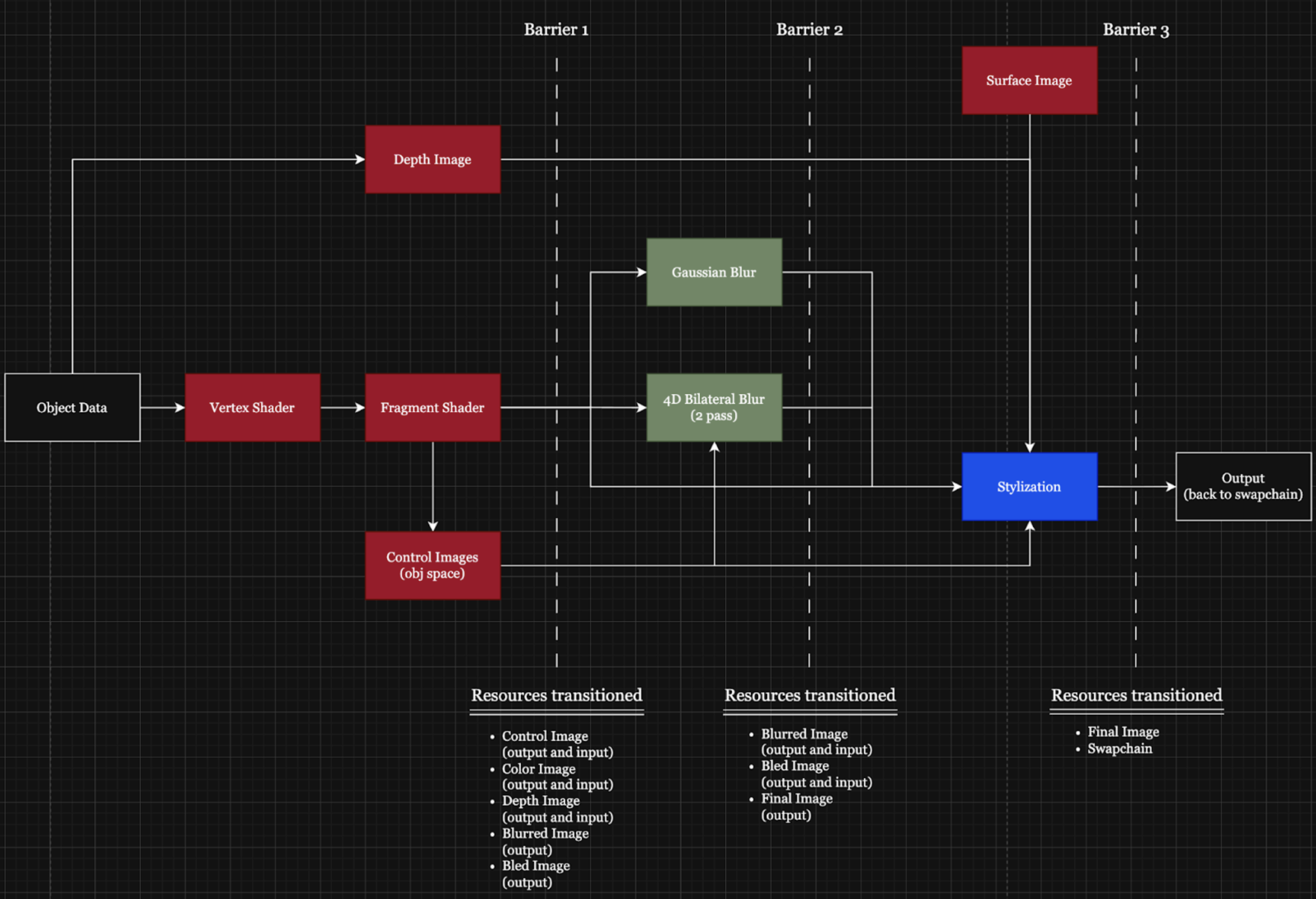
This pipeline above can be summarized as so:
Code Organization + Render Passes
(Before) Barrier 1:
We derive all of our color image and control image output from the object fragment shader. The color image is just the direct outColor, and the control image is randomly generated noise based on fractal brownian motion and the position of the vertices from the vertex shader.
The depth image is derived from the object data and we use the swapchain_depth_image that is included in tutorial.cpp from the nakluV tutorial.
The blurred and bled images are both prepared to be in the right format (VK_IMAGE_LAYOUT_GENERAL) as outputs of the blur and bilateral blur shaders.
(Before) Barrier 2:
The blurred image and bled image are now switched from being written to to being read from since they are now inputs into the stylization shader.
Final output is now being prepared to be in the correct format (VK_IMAGE_LAYOUT_GENERAL)
(Before) Barrier 3:
The final image is now changed to be VK_IMAGE_LAYOUT_TRANSFER_SRC_OPTIMAL so that it is ready to be copied to the swapchain image
Swapchain image output is now being prepared to be in the correct format (VK_IMAGE_LAYOUT_TRANSFER_DST_OPTIMAL)
Pipeline Organization
ObjectsPipeline
The setup of the objects pipeline was mostly kept the same. Within the fragment shader, we aimed to replicate the watercolor reflectance model, as described in the paper Art-directed watercolor stylization of 3D animations in real-time. Rather than interpreting lighting through a physically-based model, we used water dilution to represent lighter or darker areas. This matches how artists use water to dilute the paint, resulting in lighter values. The dilution area was calculated by summing over the lights.
The dilution area can intuitively be thought of then as all the area the light touches on a specific surface/mesh. This is not to be confused with the dilution variable, which controls how strongly the color gets diluted towards the paper color.
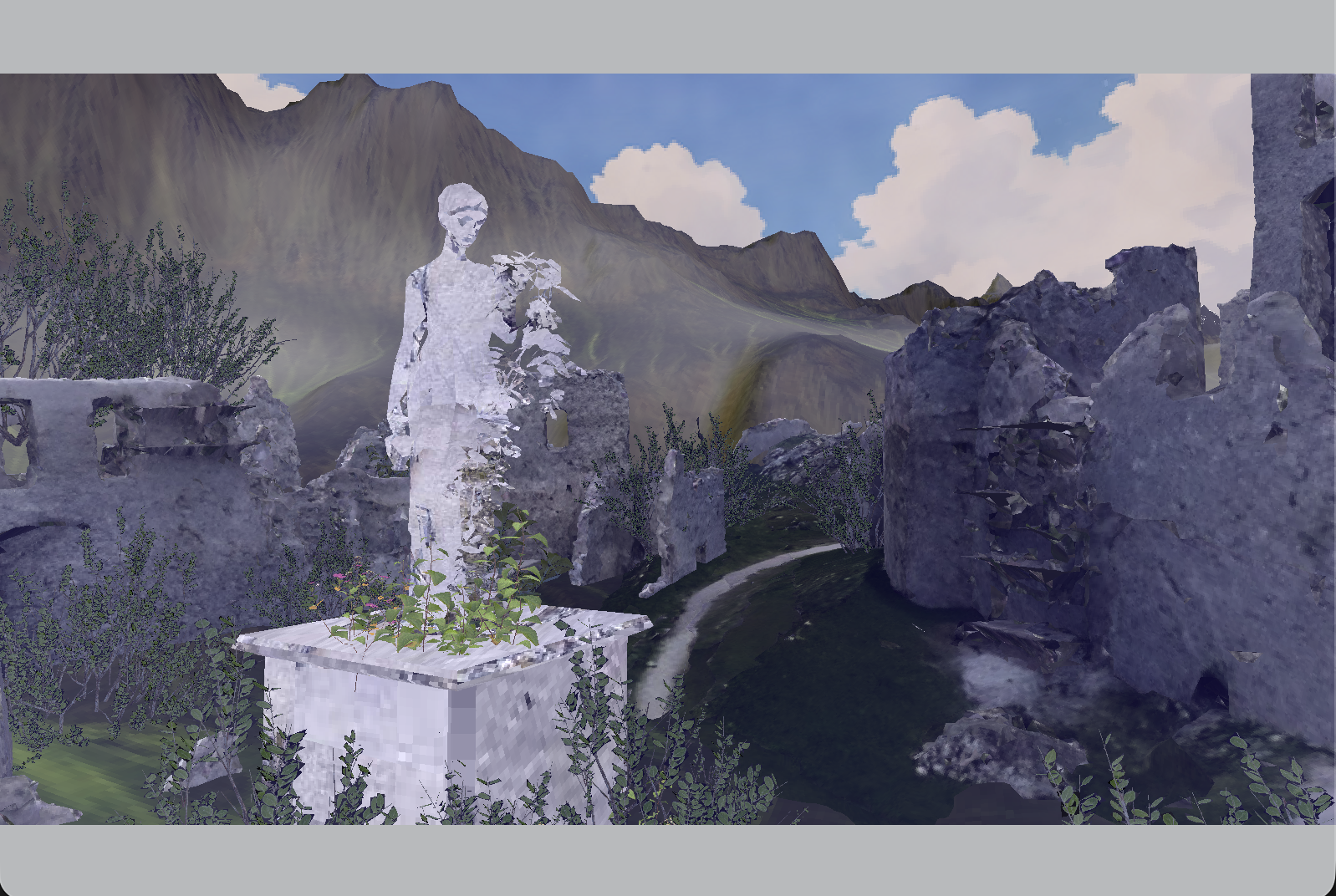
Although this resulted in color shift from the original texture, it involved adding the offset color to the original albedo, which makes the color brighter. However, often with watercolor, since this effect is acheived through layering, it results in darkening certain areas of the painting according to this effect. Using our version, we got the following image:
ComputePipeline
The ComputePipeline directs the Gaussian Blur shader (gaussian.comp). Since it only involves one input image and one output image, it has 2 bindings. Since the paper suggested using a constant and small kernel size, the kernel was created using the python script computeKernel.py.
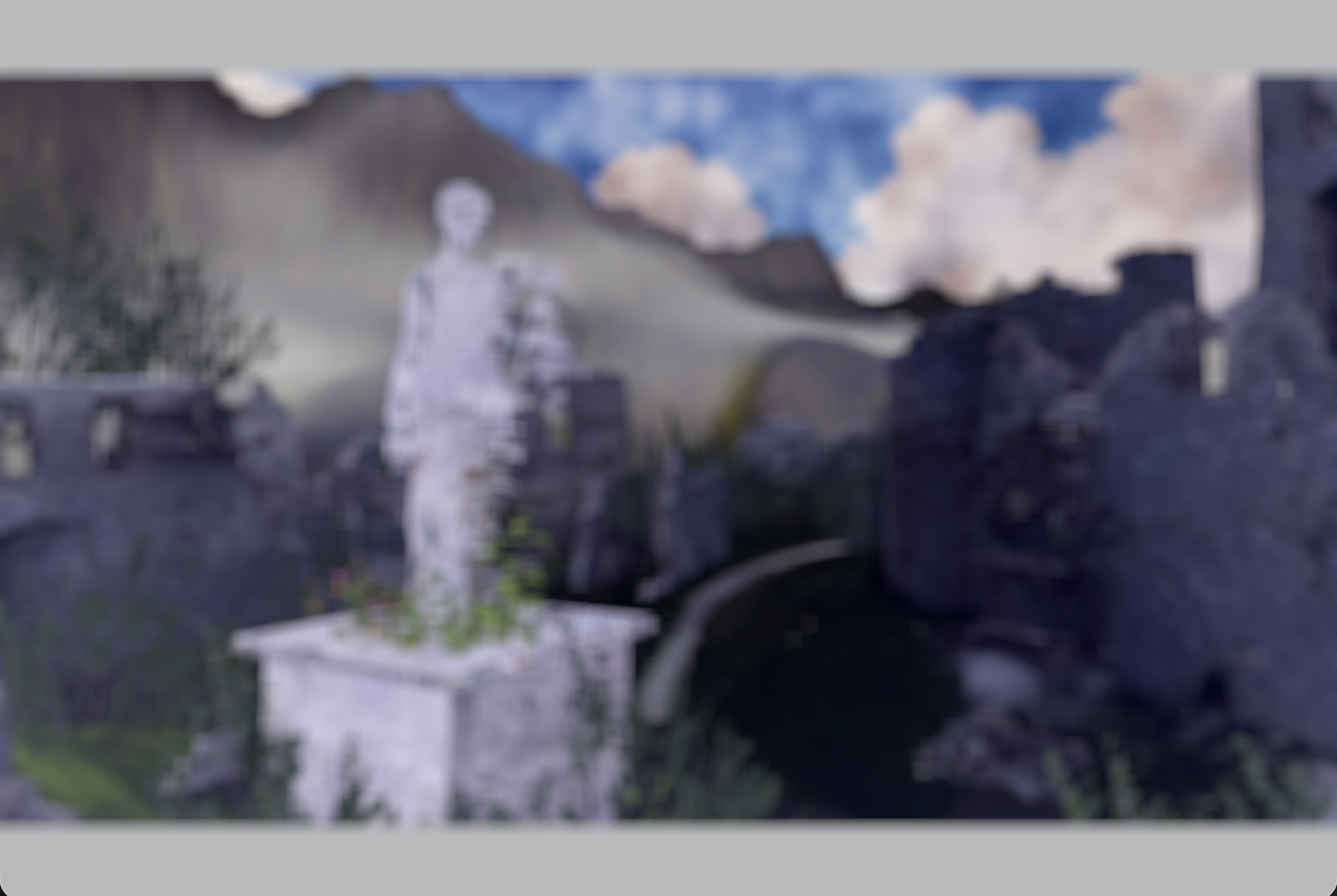
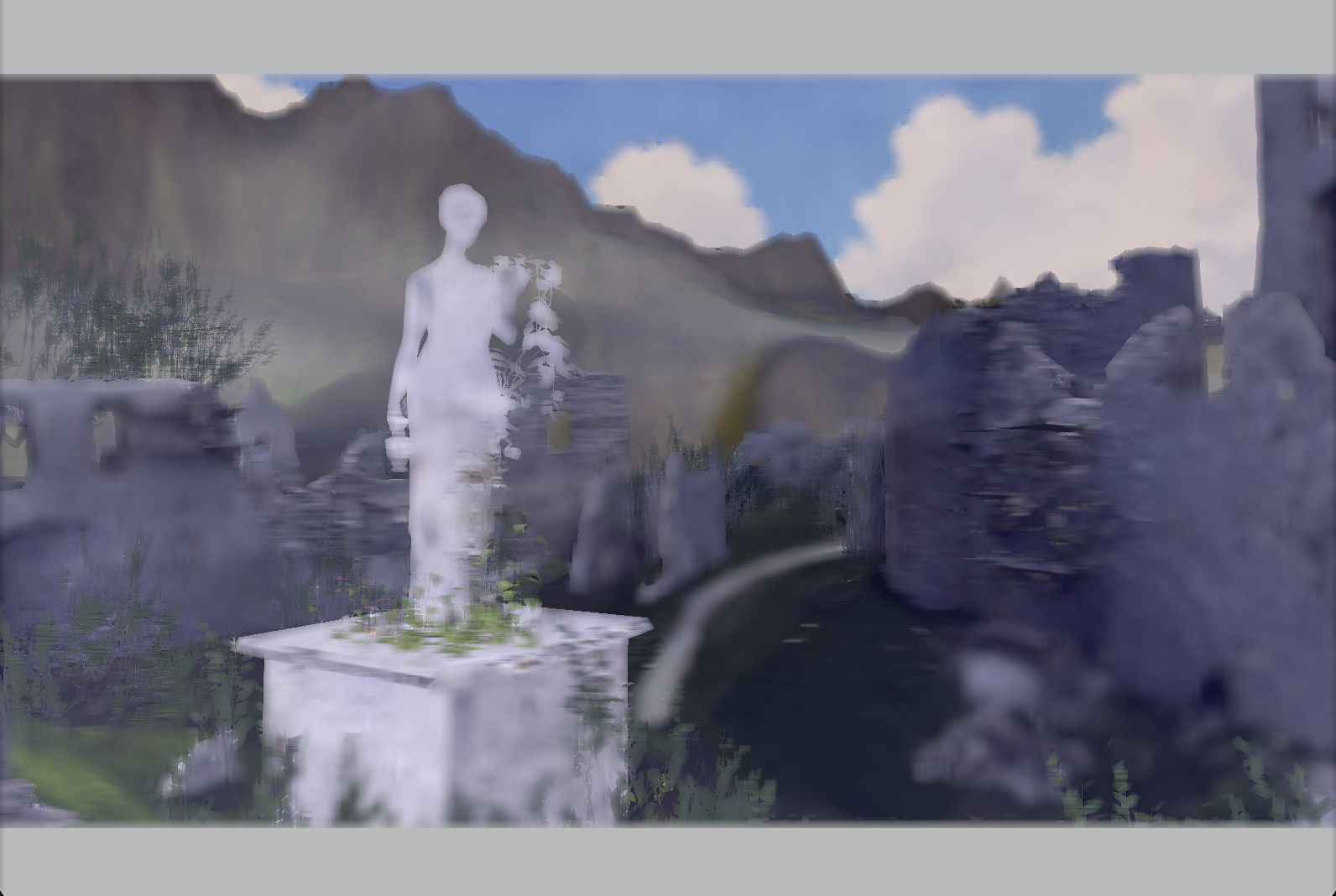
The result of the gaussian filter over the scene can be seen below.
BleedPipeine
The BleedPipeline directs the 4D Bilateral Blur shader (bilateral.comp). Since there are 3 input images and 1 output image, it has 4 bindings. The goal of the bilateral filter is to replicate the bleeding seen in watercolor.
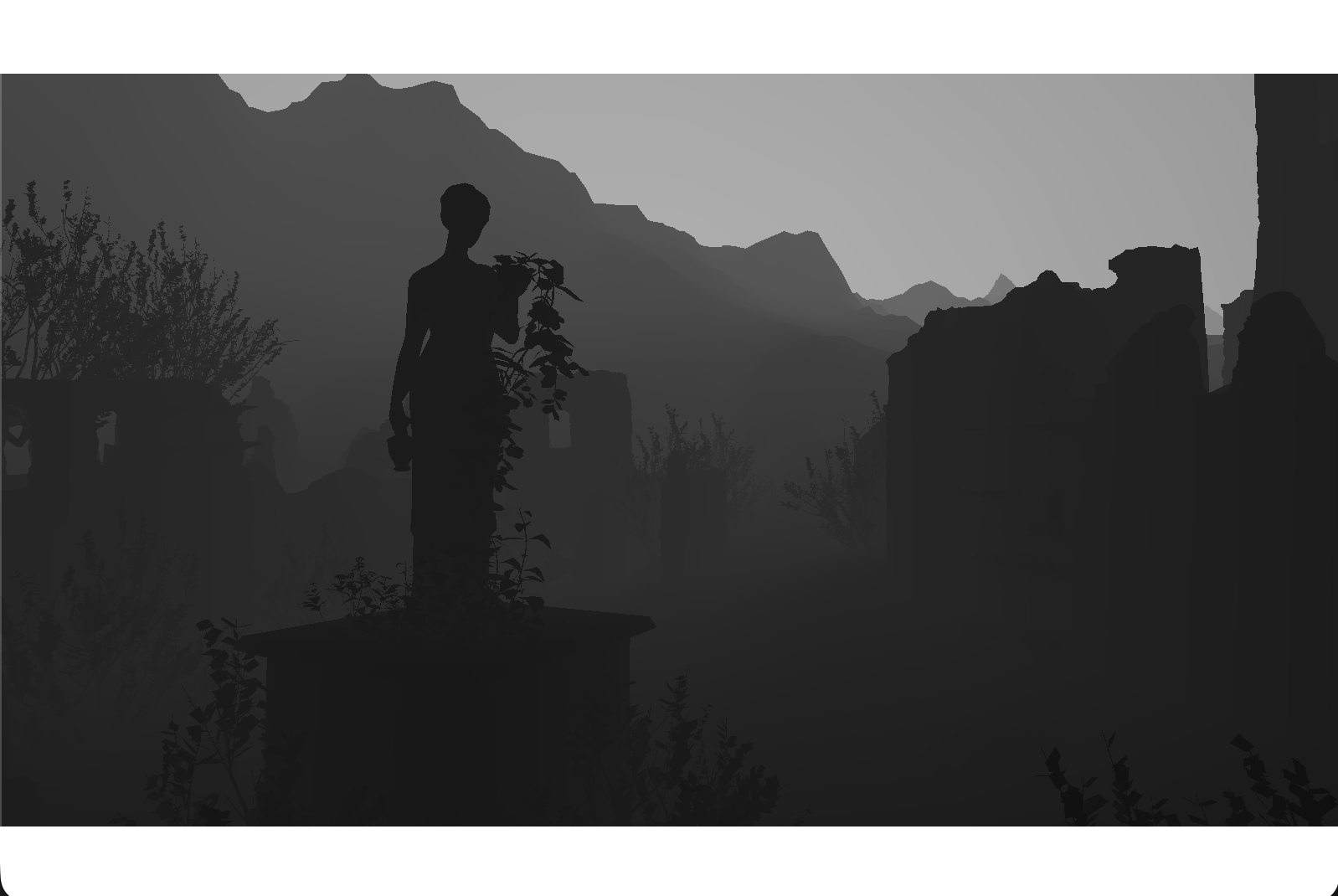
In order to acheive this effect, it blurs areas of the painting together based on the depth of the surrounding pixels. In order to get the flattened depth,
we added the near and far clipping values as push constants and used them to linearize the depth, which resulted in the following image:
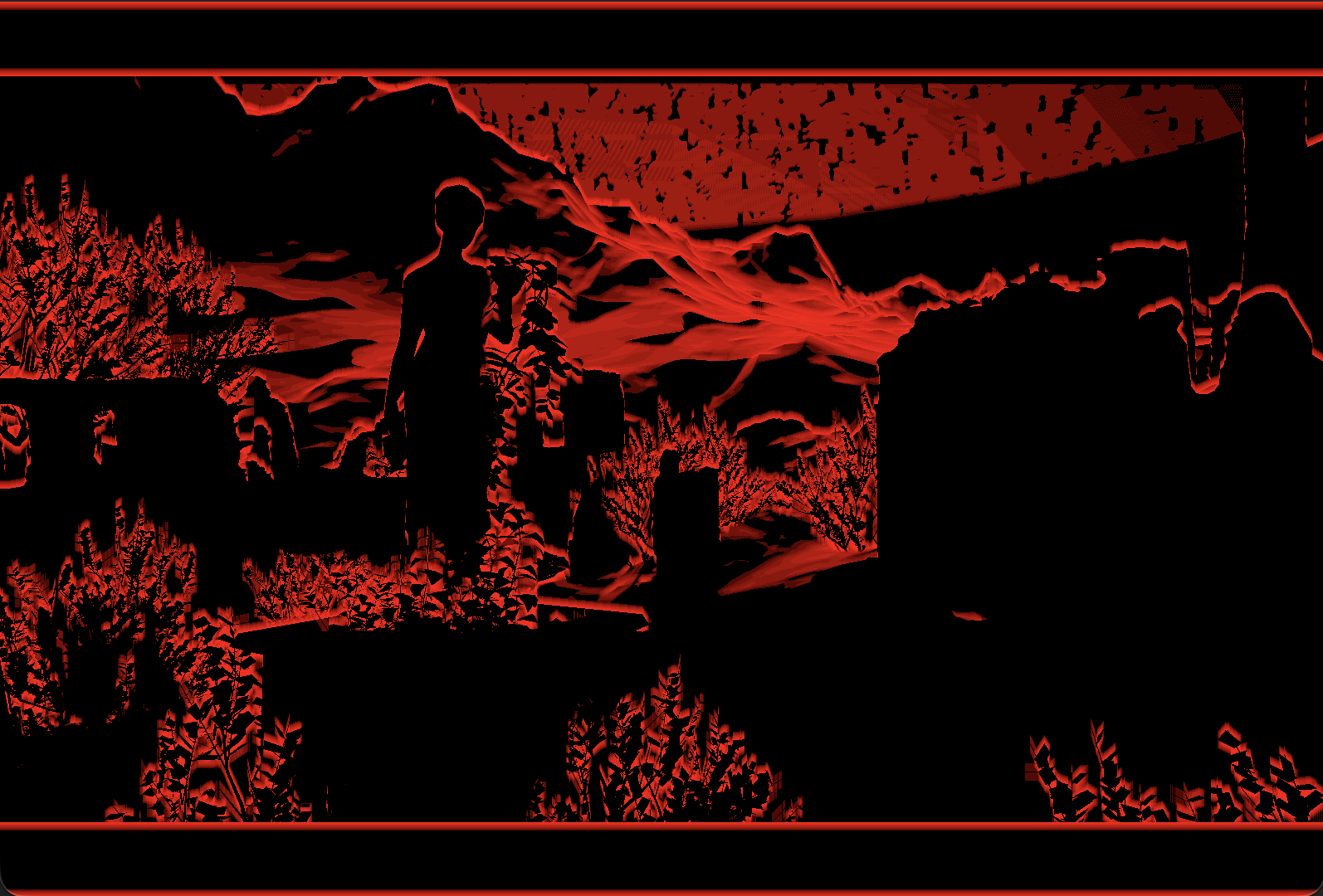
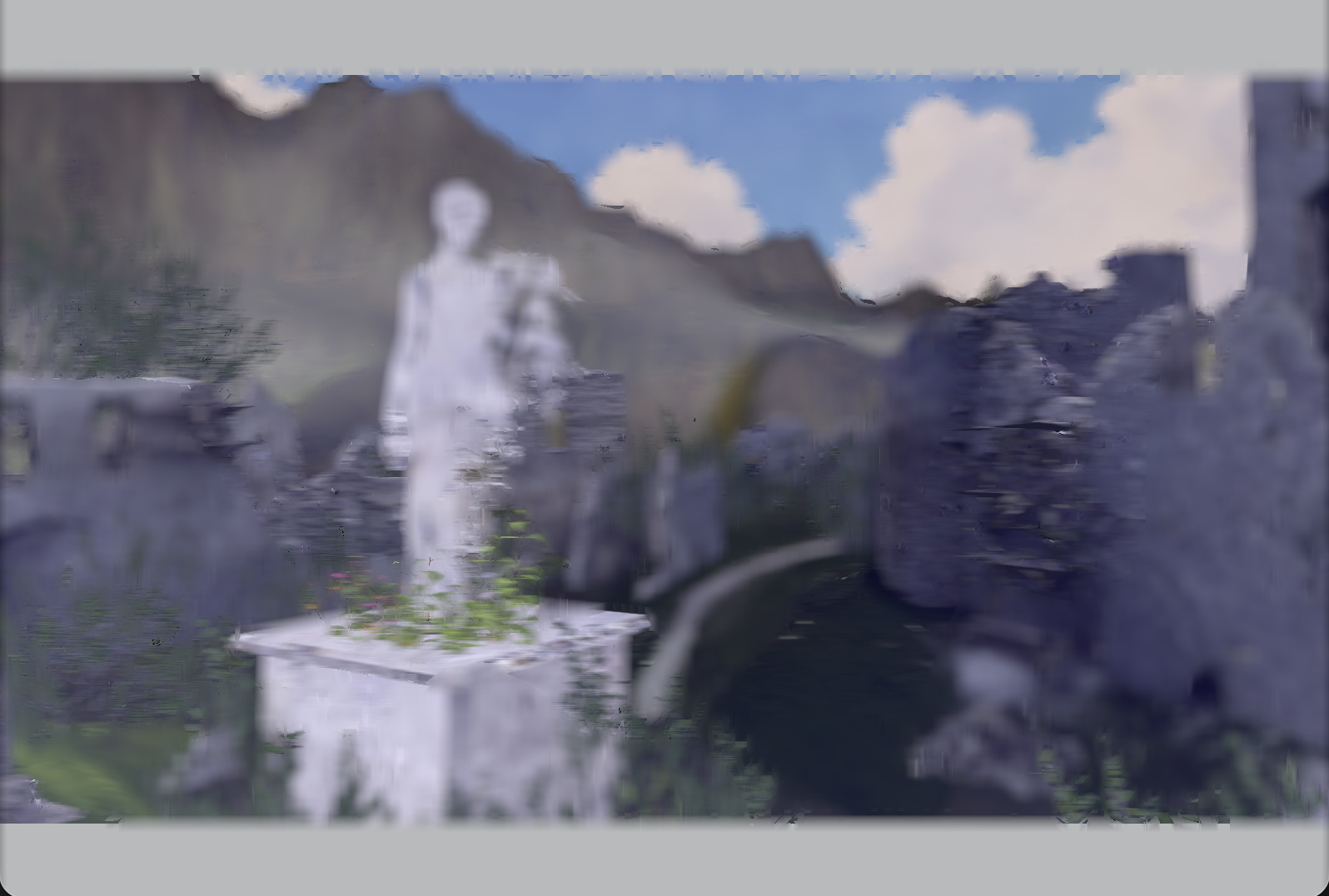
Then, the following image shows the pixels that are nearby that are sufficiently far enough behind the current pixel.
Following the paper resulted in this image which allows color to blur from areas that are in front but not from areas that are behind.
Since we found that this reduced the detail within the scene, we choose to avoid blurring over areas with significant depth change. This allowed much of the silhouette to be preserved while still bluring much of the image.
StylePipeline
The StylePipeline is the final pipeline that directs the final stylization shader (style.comp). Since there are 5 input images and 1 output image, it has 6 bindings total. Using the control image, which was set using FBM noise generated in the fragment shader, the gaussian blurred image and the bleed image are combined to result in an image that blurs some areas while sharpening others.
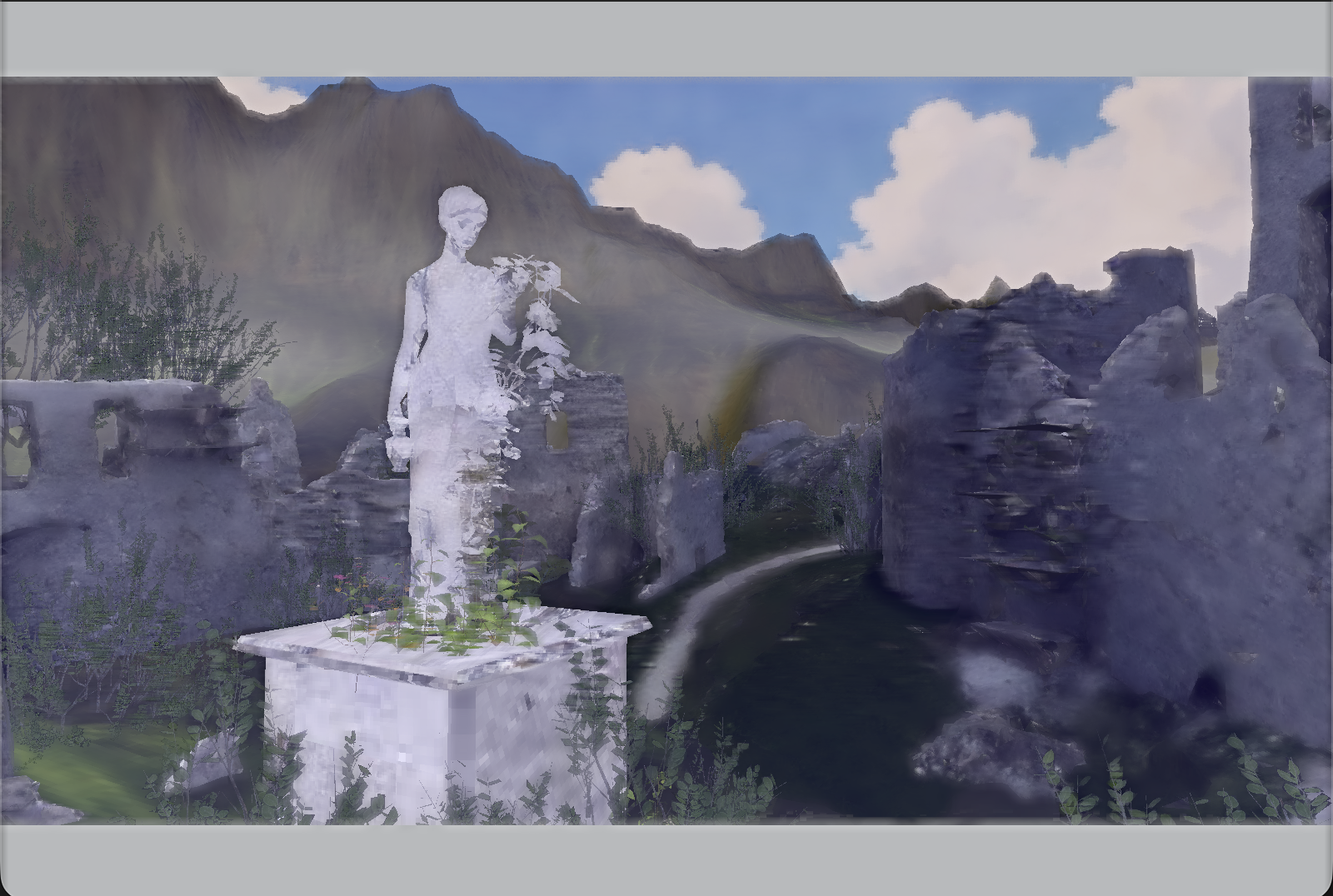
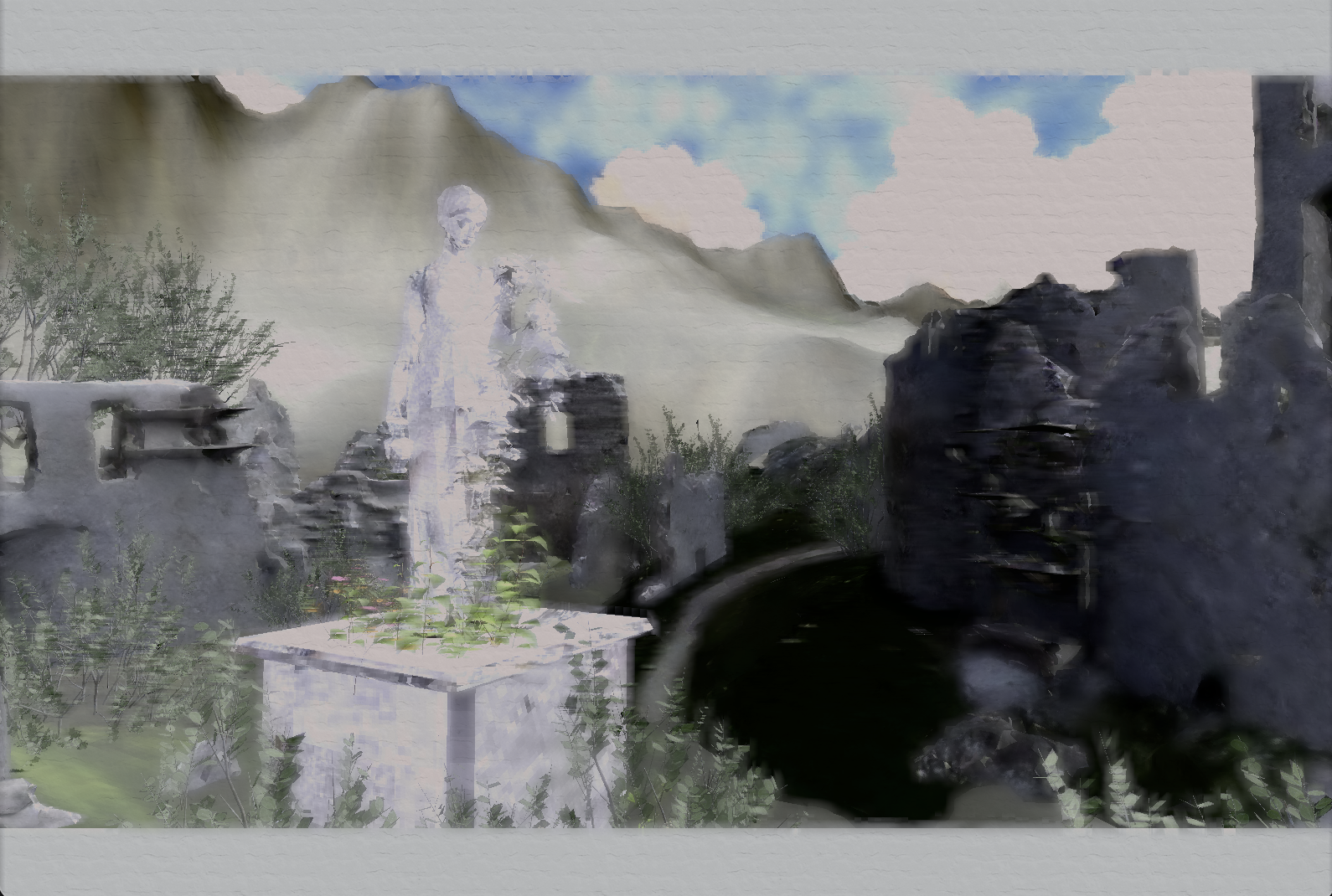
The paper texture is layered on top, resulting in the final image:
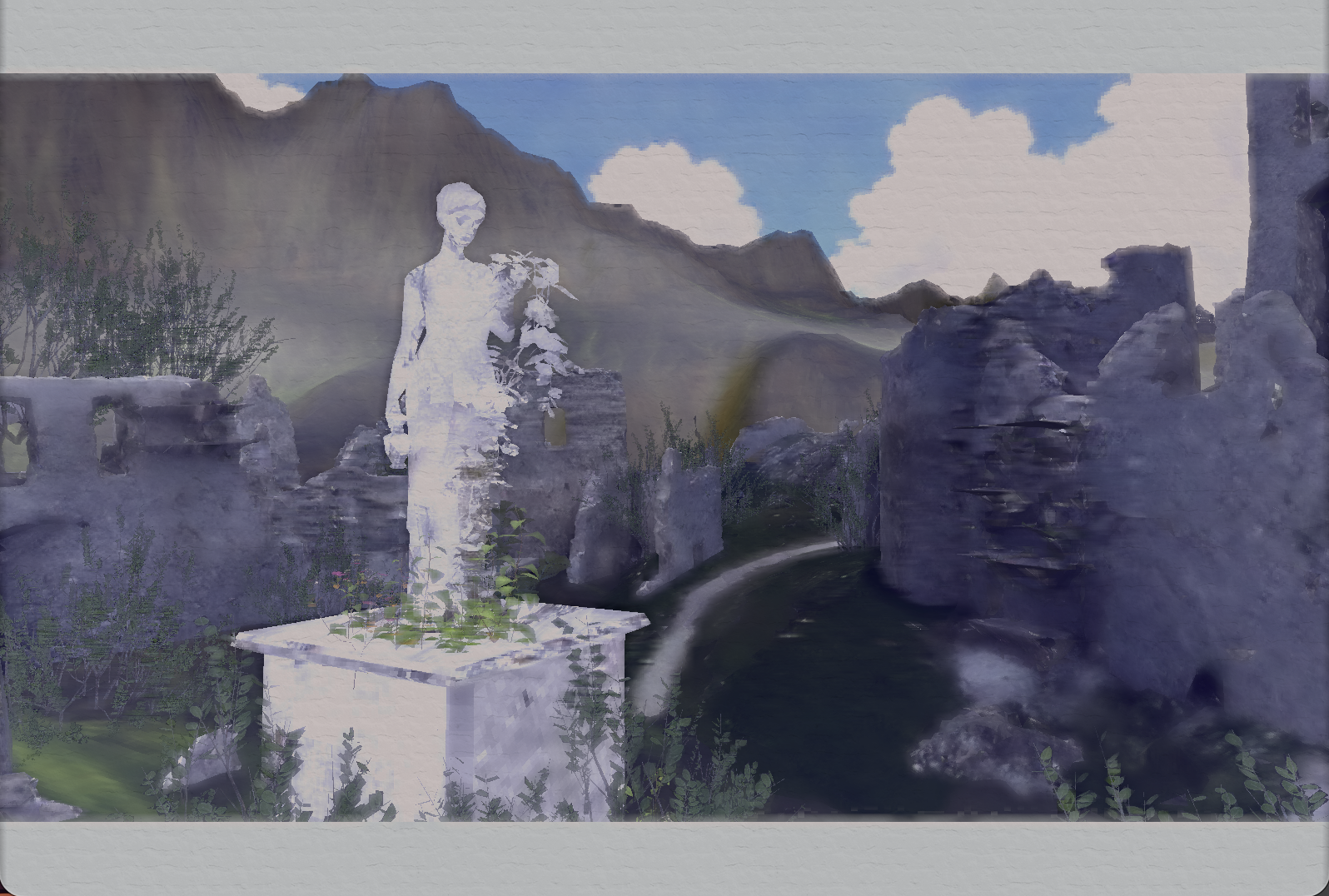
If all previously mentioned effects are set to match the original paper it produces the following image.
3D Drawing App
Link to repo (The repo this time is the same one as the watercolor section)
After the semester ended, I’ve been actively working on creating a 3D drawing application. Currently, I have worked on implementing basic line drawing capabilities, but future plans include being able to have custom brushes, and being able to smoothly become incorporated with the watercolor pipeline.
Scotty3D
In the fall of 2025, I was introduced to computer graphics by taking 15-362 Computer Graphics at CMU. In this class, we added in the implementation for a rasterizer, mesh editor, path tracer, and animation handler.
Here are some of my favorite outputs below:
Rasterization
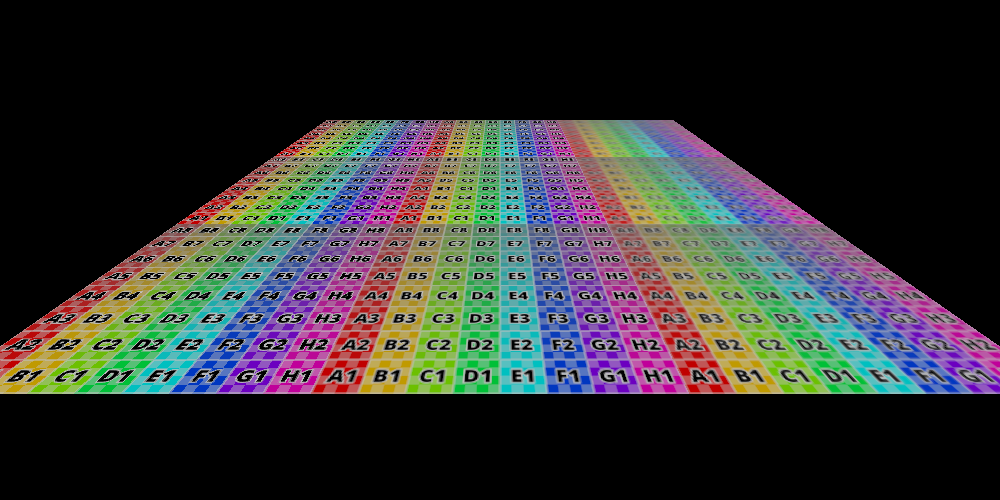
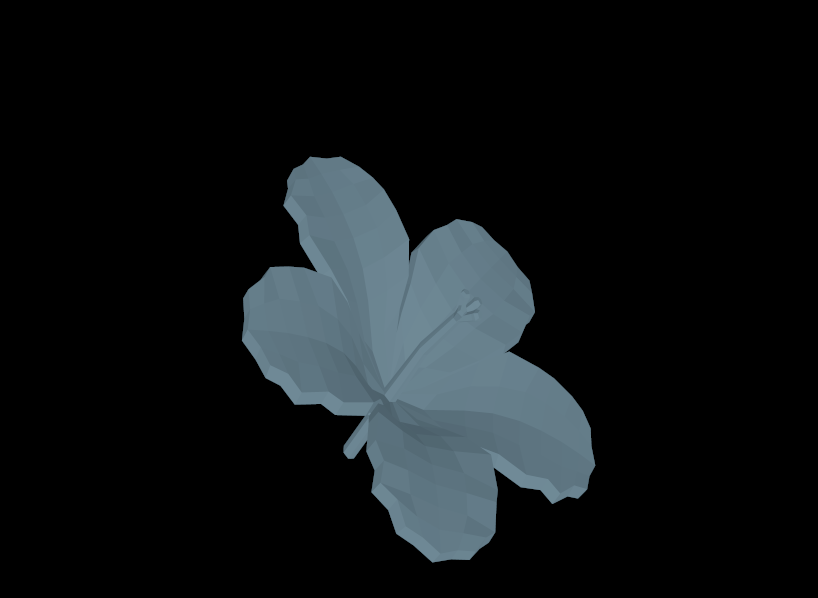
Basic rasterized scenes demonstrating nearest neighbor, bilinear, and trilinear filtering left to right in the left image, and a simple rasterized flower on the right.
Pathtracing
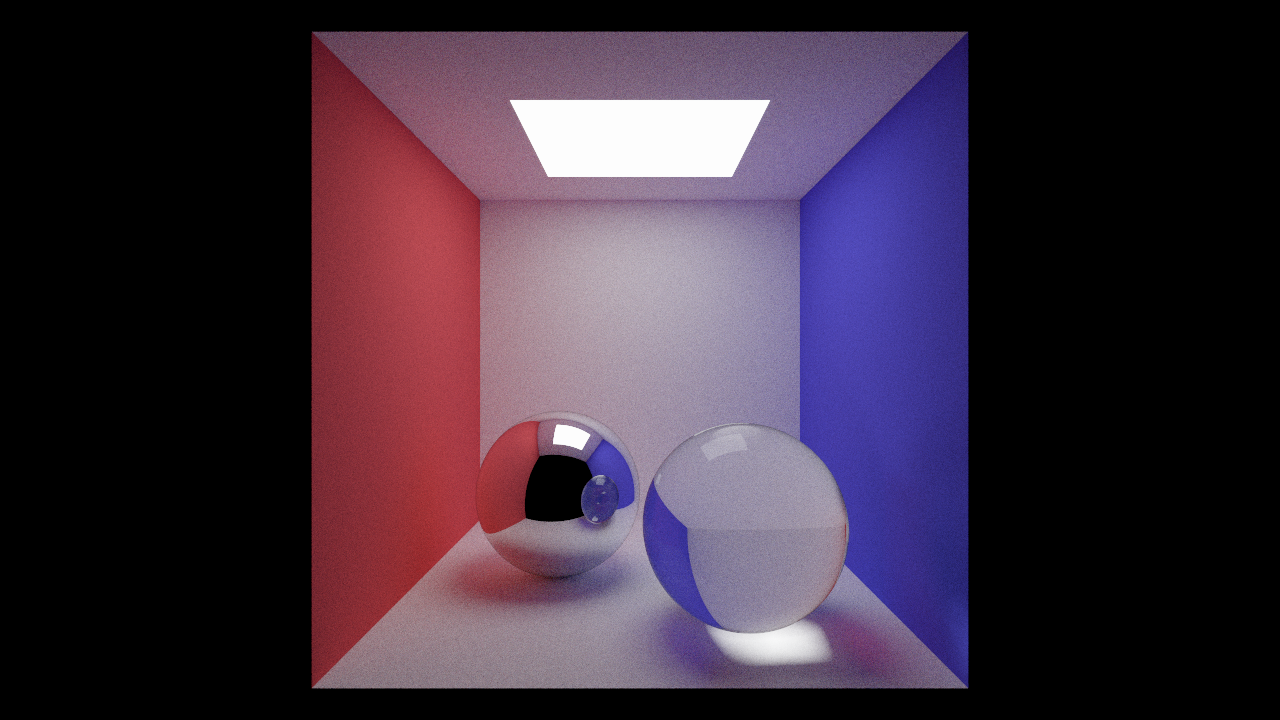
Rendered at resolution model source:Rendered at resolution model source:
Animation
Might need to turn the resolution up to 720p for this video.
Basic animation to apply A4 material with particles acting as glass spheres.
.png) Although this resulted in color shift from the original texture, it involved adding the offset color to the original albedo, which makes the color brighter. However, often with watercolor, since this effect is acheived through layering, it results in darkening certain areas of the painting according to this effect. Using our version, we got the following image: